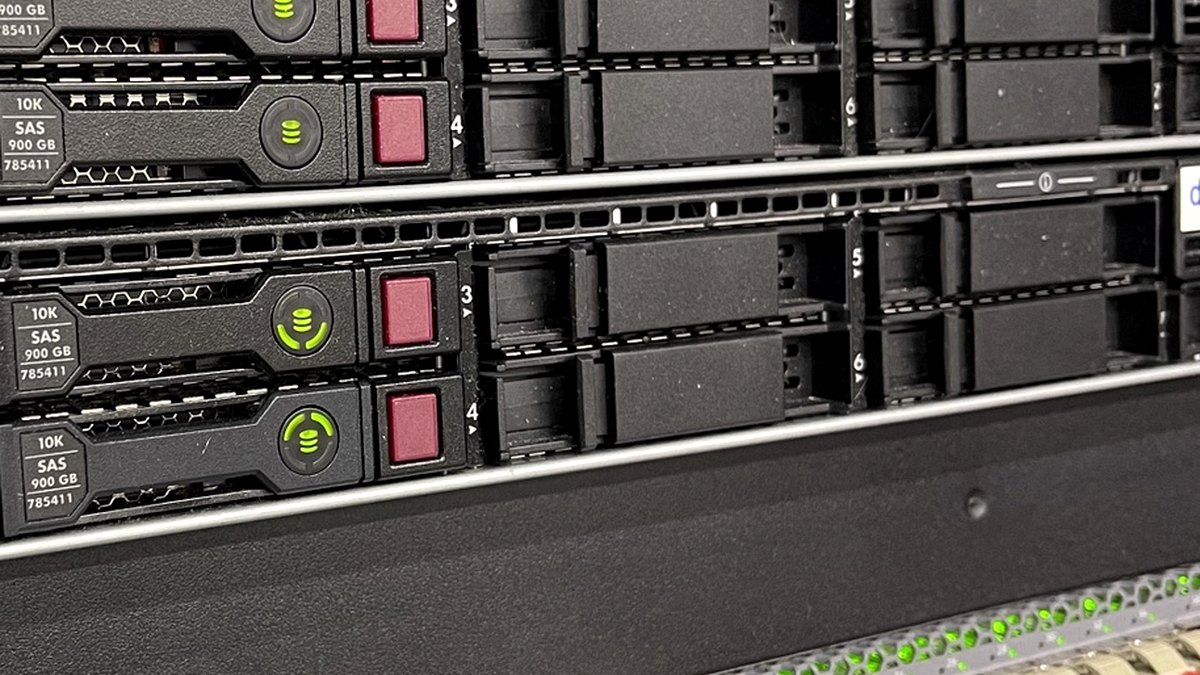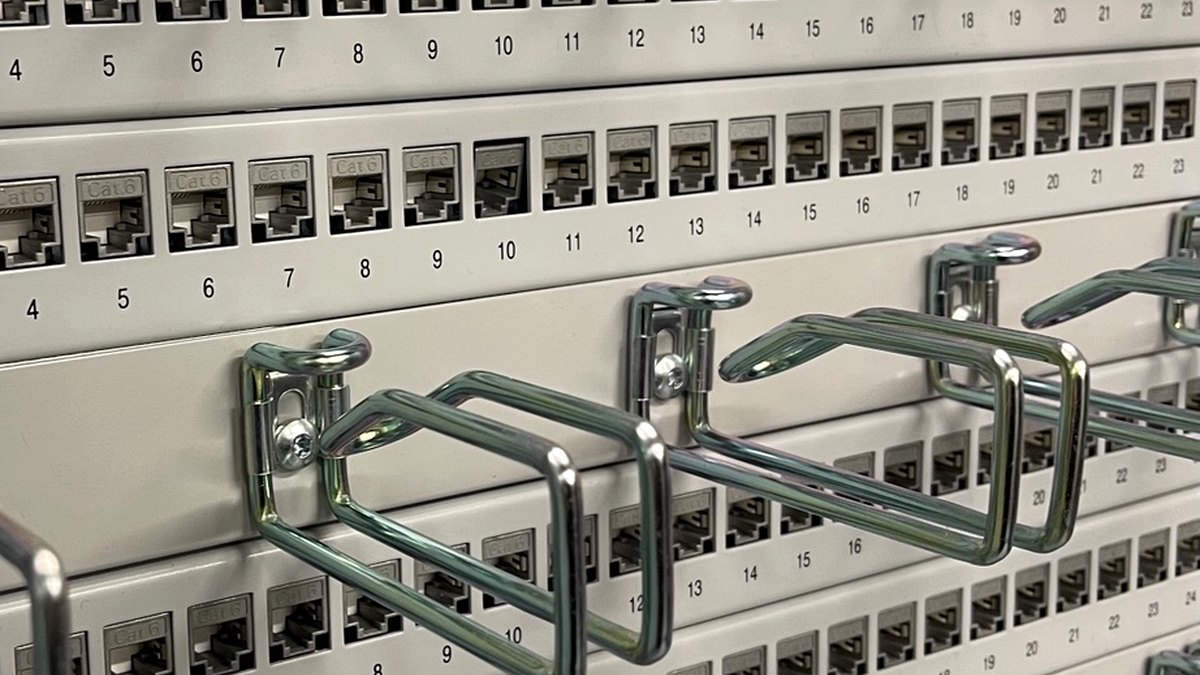


Rack labels and cable labels are small details with a large operational impact. When labeling is inconsistent, every troubleshooting task becomes slower. When labeling is standardized, technicians can move faster and make fewer mistakes.
QR codes can make this even more useful by connecting physical infrastructure to digital documentation.
Why QR labels help
A printed label is good. A printed label with a QR code can be better.
A QR code can point to:
- Rack documentation
- Asset inventory
- Port maps
- Patch panel records
- Support contract information
- Installation photos
- Maintenance instructions
- Change records
This turns a rack, patch panel, or device into a direct entry point for documentation.
What should be on the visible label?
The visible text must still be useful without scanning the QR code.
A good rack or plate label may include:
- Site ID
- Building or room
- Row
- Rack
- Patch panel or plate ID
- Optional owner or system reference
Example:
FRA01 / Room 2.14 / Row A / Rack A03 / PP-01
Do not put everything on the printed label. Put the critical human-readable information on the label and the detailed data behind the QR code.
Keep QR data simple
For many teams, the QR code should not contain complicated data. It can simply contain a URL or unique asset ID.
Examples:
https://dcim.example.com/rack/FRA01-A03ASSET:FRA01-R2-A03PLATE:FRA01-R2-A03-PP01
The best structure depends on whether the team already has a DCIM, inventory database, spreadsheet, or internal documentation system.
Label design matters
A good infrastructure label should be:
- readable from normal working distance
- resistant to damage
- consistent across sites
- easy to reproduce
- simple enough for field teams to use
- not dependent on one person’s private spreadsheet
For cable labels, the information must remain readable after the cable is installed. For rack labels, the location and orientation must be consistent.
Recommended workflow
A practical workflow for small teams:
- Create a label template.
- Keep the visible fields simple.
- Generate or edit the QR code data.
- Print using a label printer such as Brother or Zebra.
- Update the documentation at the same time.
- Test the QR code before final handover.
The printing process should be simple enough that technicians actually use it.
Final thought
Labels are not paperwork. Labels are field navigation. A good label helps the next technician avoid guessing, tracing, unplugging the wrong cable, or calling three people to ask what something is.
Need help building label templates, rack naming standards, or infrastructure documentation workflows? ITCOREOPS can help.